Should You Animate Old Family Photos With AI? What's Real and What Isn't
By The Glow Editors · September 26, 2026
Category: family-archive
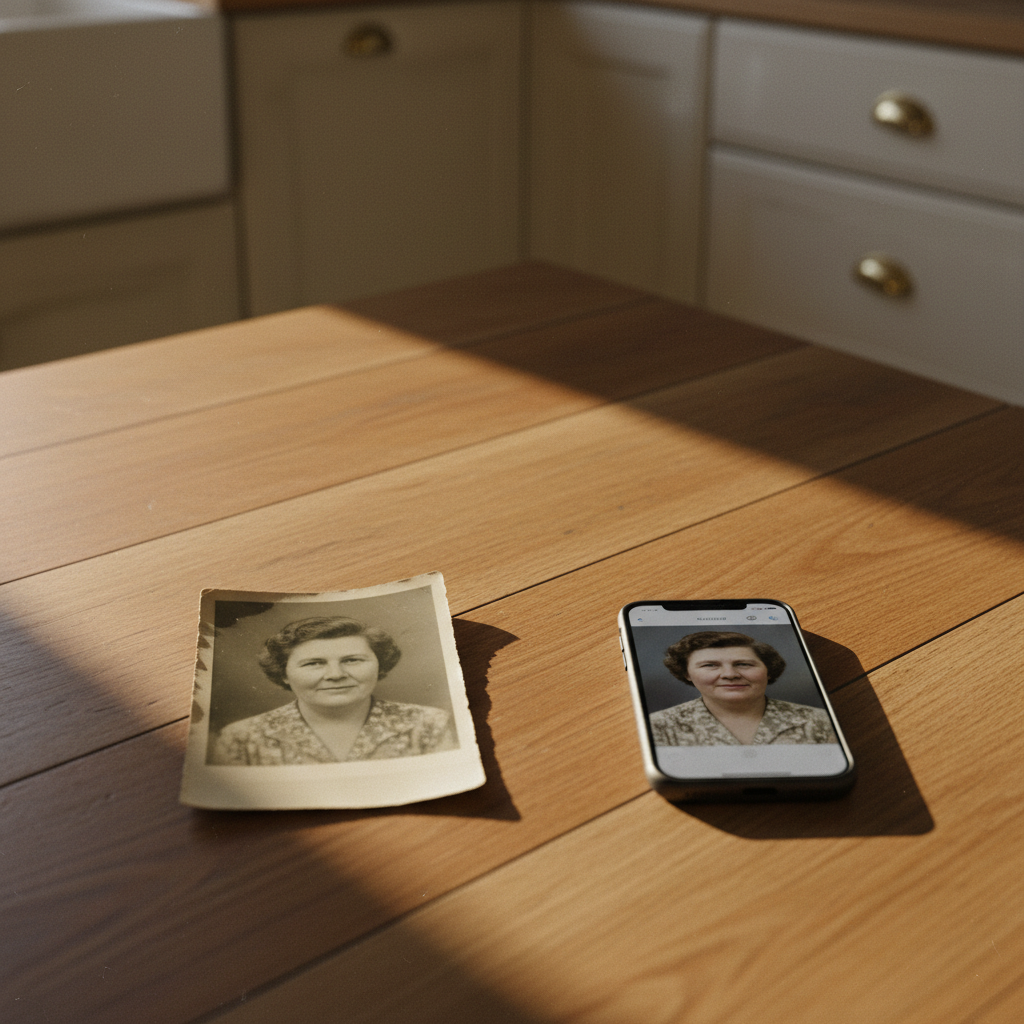
AI tools that animate old photos generate movement that was never filmed - here's what to trust, what to label, and what to do instead for your family archive.
Key takeaways
The problem Animated family photos feel like memory but contain movement the camera never captured.
Core insight Labelling AI-generated animation clearly is the one habit that keeps your archive honest.
Practical outcome Keep the original scan, label any animated version, and pair photos with real recorded voices instead.
You're scrolling through your phone and you stop on an app that promises to bring old photos to life. You have a photo of your grandmother at a kitchen table - 1958, black-and-white, her hands folded, her eyes looking just past the camera. You upload it. A few seconds later, the photo moves. Her eyes blink. Her head tilts a fraction. Her mouth curves into something that might be a smile.
It's startling. It might even make you cry. And then, if you sit with it a little longer, a quieter question comes: is that actually her?
What AI animation actually does to an old photo
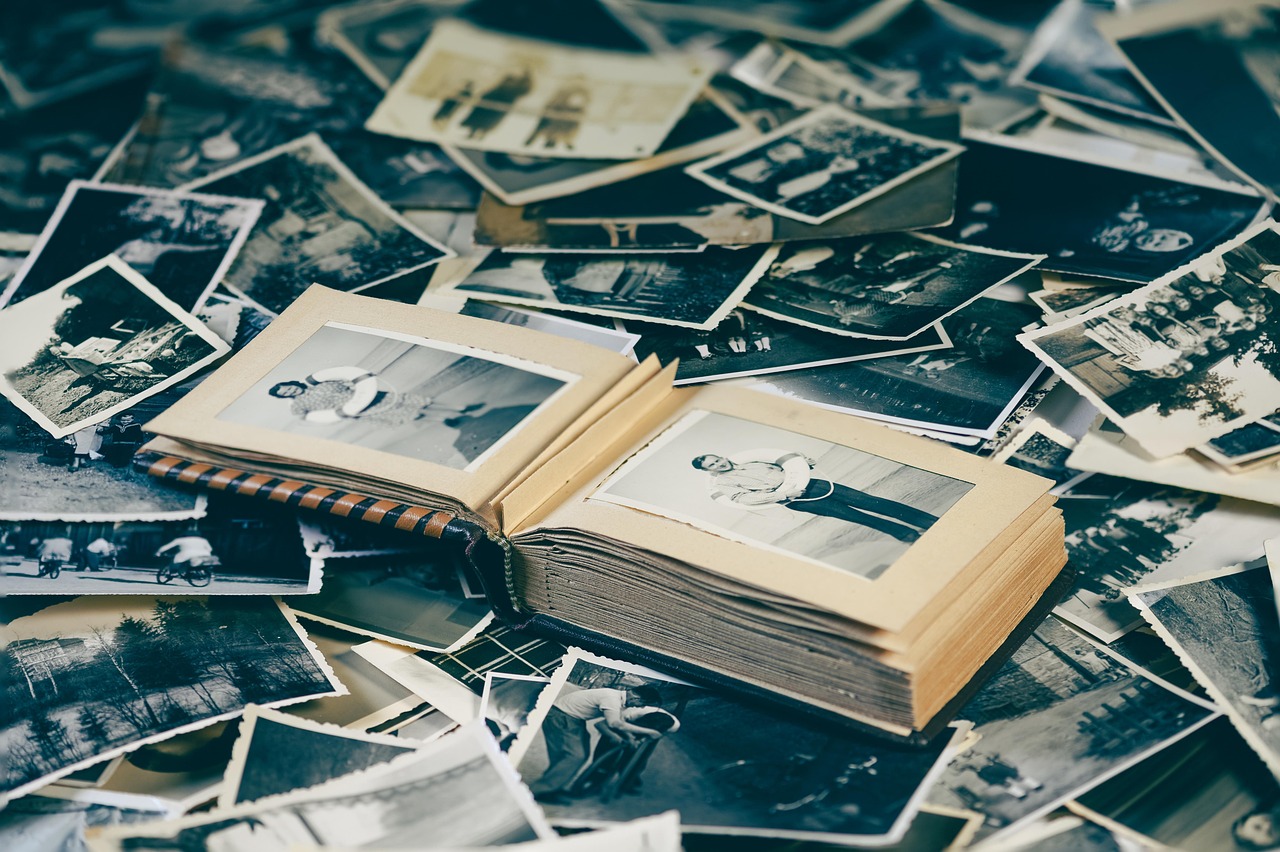
When you animate old photos with an AI tool, the software doesn't find hidden footage or unlock movement that was always there. It generates motion from nothing, by guessing what a face in that position, with that lighting, at that angle, might plausibly do next. It learned those guesses from studying thousands of videos of faces moving.
The blink your grandmother does in the animation was never filmed. The slight tilt of her head was invented by the software. Her expression - whatever warmth or distance you read into it - is the model's best statistical estimate of what a face like hers might have done.
We're wired to read movement as presence. A still photo lets us hold the image at a distance; a moving face pulls us in as though someone is actually there. That's why these tools feel so powerful, and why the language around them - "bring them back to life", "see them move again" - is worth slowing down on. The animation is compelling precisely because it mimics aliveness. It isn't the same as aliveness.
Is it real? No - it's a plausible guess. Is it useful? That depends entirely on what you're trying to do with the memory.
When animating a family photo helps, and when it doesn't
There are moments when animation genuinely serves something. If you have one clear photo of a great-grandmother your child will never meet, and you want to show a seven-year-old what her face was like - not a frozen image, but something with a flicker of life in it - an animated version can help bridge a distance that a still photo sometimes can't.
But animation goes wrong quickly in other situations. If you're trying to preserve a truthful record of someone, invented expressions are a problem. A generated smile becomes, over time, the smile people remember. Relatives who don't realise the animation is AI-generated may tell each other: "She always had that expression." That's not a memory - it's a mistake that has been quietly authorised by technology.
Sharing animated versions with family is a complicated middle ground. Ask yourself before you send it: will this feel like a gift to them, or like a claim that you've somehow restored something? People who knew the person well may find invented movement unsettling - or worse, quietly wrong in ways they can't name but can feel. It's worth asking before sharing, not after.
If you do animate a photo, say what you did. "I used an AI tool to add movement to this still photo of Gran" is a sentence that keeps trust intact. "Look, I found a way to see her move again" is the sentence that, months later, blurs into something people half-believe.
Simple house rules for your family archive
These aren't hard restrictions - they're just habits that keep the real record real.
Always keep the original scan. The unaltered photo is the archive. Save it separately before you run anything through an AI tool, and never let the animated version overwrite it.
Label anything AI-edited clearly. A filename like gran-1958-AI-animated.mp4 alongside gran-1958-original.jpg is the minimum. If you share it anywhere, say it in the caption.
Ask older relatives before you share. Someone who loved that person may find a generated version of their face distressing. A quick "would you want to see this?" costs nothing.
Don't animate someone who would have hated it. Some people are private. Some people would have found this technology alarming. That preference didn't expire when they died.
Never use an animated version as a substitute for the original in the family record. Animated versions are creative interpretations. The original photograph is evidence.
What to do instead - or first
If you're drawn to animation because the photo feels too still, too distant, too far from the person you remember - that's a real feeling. But animation won't fix it. What will is context.
Find someone who remembers that person moving, speaking, laughing. Ask them to describe it. Record their voice on your phone while they talk. That recording will do more for your archive than any animated image, because it's true. It happened. The cadence of their memory belongs to them, and now it belongs to you. If you're not sure how long to spend on a single conversation, it helps to know that one question and ten minutes is often enough for a complete storytelling sitting - you don't need to capture everything at once.
There's also a gentler way to make a still photo feel alive on screen: a slow pan-and-zoom across the real image, set to music, preserves what was actually there. Or pair the photo with a real voice recording of the person telling its story - a voice note your grandmother left, a clip from a family video, someone reading a letter she wrote. That combination is not artificial; it's assembly, and assembly is honest. If you're worried about losing recordings that already exist, it's worth knowing how to save WhatsApp voice notes from someone you love before they disappear.
Glow is built for exactly this kind of work - uploading the real photos you have, pairing them with the voices and stories of people who remember, and keeping everything together in one place where family can add what they know. The short films Glow makes are built from your actual photographs, not generated faces. The archive stays true to what was actually there.
Start with the original photo. Keep it safe. And if you're thinking about who should actually keep the family photos once someone is gone, that's a question worth settling before the archive gets split up. Then go find the person who remembers what the camera missed.
Frequently Asked Questions
Can I animate old family photos without any technical skills?
Yes - most tools that animate old photos are designed for people with no technical background. You upload the photo, the software generates the movement, and you download the result. The ease of use is part of what makes it important to stay conscious about labelling what you've made, because the output looks finished and authoritative even when it's entirely generated.
Will animating a photo damage the original?
Not if you're careful. The original file stays on your device unless you delete it. The risk isn't damage - it's replacement. If you save only the animated version, or share it so widely that the family forgets what the original looked like, the generated movement gradually becomes what people remember. Always keep the original scan saved separately, with a clear filename.
Can I animate a photo of someone who died without their permission?
You can - there's no law that prevents it for personal use. But permission is the wrong frame. The better question is whether the person would have wanted it. Some people are private; some would have found AI-generated versions of their face genuinely upsetting. If you knew them well enough to animate their photograph, you probably knew them well enough to have a sense of the answer.
Are AI-animated family photos considered fake or deceptive?
They're generated, not recorded - which means they're a creative interpretation of a still image, not a document. Whether that crosses into deception depends on how you present it. An animated photo labelled clearly as AI-generated is a creative tool. The same animation shared without that label, in a way that leads people to believe they're seeing something real, is misleading. The label is what makes the difference.
What's a better way to bring an old photo to life without AI animation?
Pair the photo with something real. A voice recording of a family member describing what was happening that day, or what the person in the photo was like, gives the image context that no animation can. A slow pan-and-zoom across a high-resolution scan - sometimes called a Ken Burns effect - creates movement on screen without inventing expressions. Both approaches preserve the truth of what was actually there.