Raising Healthy Kids
By Roey Gran · September 29, 2026
Category: raising-healthy-kids
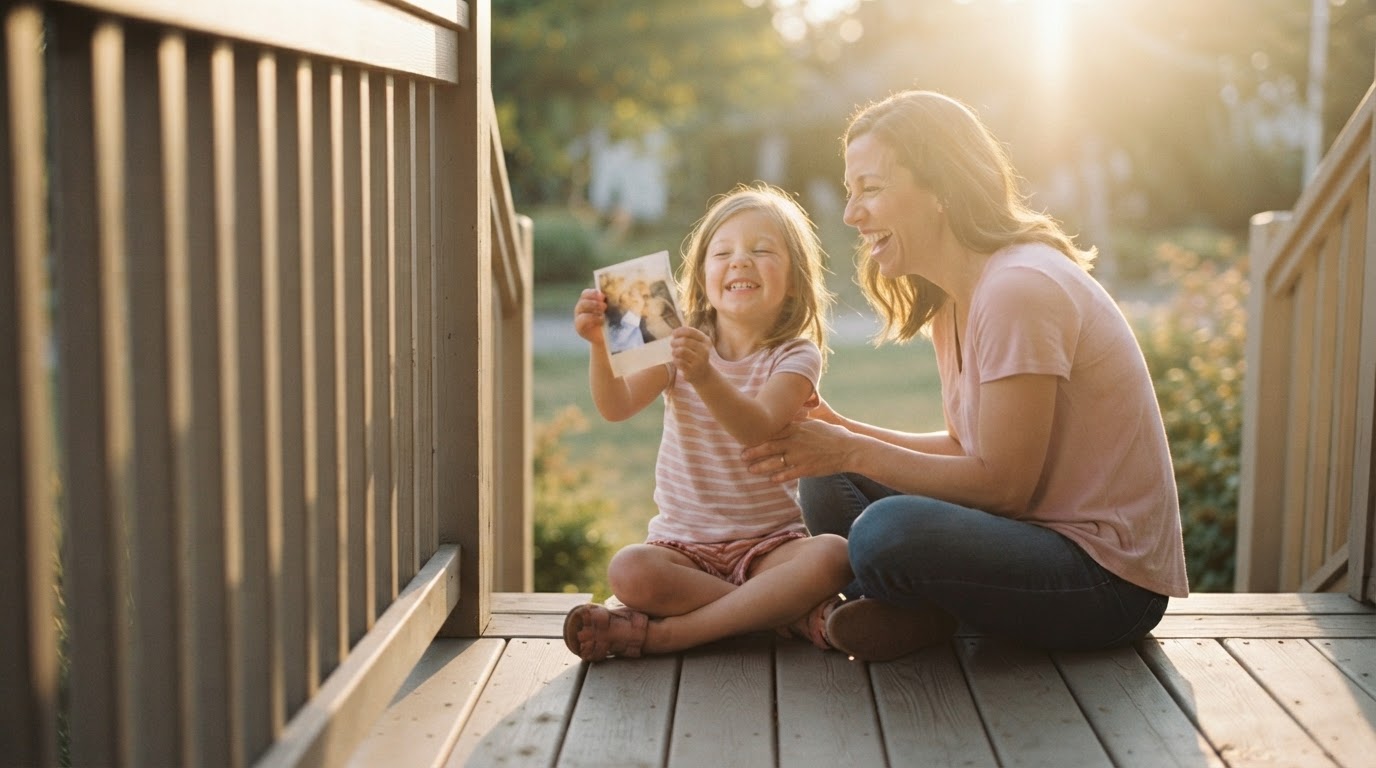
Building a family archive starts with 20 photos - here is how to gather, digitize, name, and share your family's story before it fades.
Key takeaways
The problem Most families have thousands of unsorted photos and no system for preserving the stories behind them.
Core insight Children who know their family history show measurably higher self-esteem and lower anxiety than those who do not.
Practical outcome Pick 20 meaningful photos this week, name them simply, and send one to a relative with a question about the story.
There is a voice memo on her phone labeled "Mom's recipe - lemon cake." It is forty-three seconds long. Her daughter found it while scrolling through thousands of photos, trying to figure out where to start.
That is the thing about a family archive: it almost always begins with something small and specific. Not with a plan. With a feeling that you are running out of time.
This article is for anyone standing in front of a shoebox, a closet, or a phone with 40,000 images and no clear path forward. The scope here is honest: gathering, digitizing, naming, captioning, and sharing a family photo and story collection. Some of it costs nothing. Some tools cost a little. Most of what matters costs only time - and that time does not have to be this week.
Start with the 20 that matter most
A child holds a single photograph. On the back, in fading pencil, someone has written: "Grandma Ada, Chicago, 1951." That is enough. That is a story waiting to happen.
Before you touch a scanner or download an app, do this: pick 20 images that made you cry, made you laugh, or made you say "that is so her." Not the best-lit ones. Not the most complete set. The ones that feel true.
This is not procrastination dressed up as method. It is triage. It is permission to begin without finishing.
There is a reason to take this seriously. Research published in Psychotherapy: Theory, Research, Practice, Training by Duke, Lazarus, and Fivush found that children who know their family history show measurably higher self-esteem, lower anxiety, fewer behavior problems, and stronger family cohesion - with correlations strong enough to account for 30 to 40 percent of the variance in well-being measures. Not every detail of the family history. The connective thread. The sense that their family lived through things and kept going.
The photos you pick first can carry that thread. Start there.
You don't have to finish this week. You only have to start.
Step 1: Gather - what and from whom
The sources are everywhere, and some of them are disappearing. Shoeboxes and photo albums are the obvious ones. But there are also slides and negatives, VHS tapes and MiniDV cassettes, digital files scattered across old laptops, letters, postcards, birth announcements, school report cards, recipes in someone's handwriting, and the group chat on a cousin's phone that nobody thought to screenshot.
Look in the attic. A parent's closet. A sibling's garage. A cousin's cloud storage. A grandmother's kitchen drawer. Ask the question now, while the person who knows the answer can still tell you: "Do you know where Grandpa kept his slides?" "Do you have any photos from before Mom moved here?"
Every family has a memory keeper. Sometimes it is the eldest daughter, the one who kept every letter. Sometimes it is the uncle who digitized everything in 2009 and never told anyone. Find that person. Call them this week.
Estimate the scope honestly before you begin. One afternoon is enough to gather what is in your own home. A few phone calls or emails will tell you what relatives have. There is no right order to do this in. Start with what you have - a shoebox counts.
Step 2: Digitize - tools compared
Three approaches work for most families. The right one depends on what you have, what you can spend, and how irreplaceable the originals are.
| Method | Cost (at time of writing) | Quality | Time per item | Best for |
|---|---|---|---|---|
| Phone app (e.g., Google PhotoScan) | $0 | Good for color prints; limited for slides or negatives | ~30 seconds | Color prints, faded snapshots, quick capture |
| Flatbed scanner | $50-$200 to buy; free at many libraries | High (600 dpi minimum for photos; 2400 dpi for slides) | 2-5 minutes | Slides, negatives, documents, anything that needs resolution |
| Professional service | $0.50-$2 per item | High; handled carefully | 2-4 weeks turnaround | Irreplaceable originals, large slide collections, VHS tapes |
Google PhotoScan is free, works on Android and iOS, and reduces glare from glossy prints using a multi-capture technique. It handles color prints and faded snapshots well. It does not do slides or negatives. Good lighting matters. If you are scanning on your phone in a dim room, the results will show it.
A flatbed scanner gives you more control. For prints, 600 dpi is enough. For slides or negatives, go to 2400 dpi or higher - that resolution is what lets you crop and enlarge later without losing detail. Many public libraries have flatbed scanners available free of charge; call ahead to confirm.
Professional services make sense when the originals cannot be replaced. Companies like ScanMyPhotos or Legacybox (check current pricing and reviews before ordering - pricing changes) will handle physical media, including VHS, 8mm film, and slides. You mail or drop off the originals; they return both the originals and digital files. Turnaround is typically two to four weeks. For a box of 200 slides from your parents' travels in the 1970s, this is often worth every cent.
Step 3: Name and date - a simple system
The goal of a naming system is not perfection. It is finding the file in five years when someone asks about the Thanksgiving photo.
A format like this works: Smith_Family_1985_Thanksgiving_Grandma_in_kitchen.jpg or Mom_1972_College_Graduation.jpg. Year first (or decade if the year is unclear), then place or occasion, then the one detail that makes it specific.
If you do not know the exact date, estimate. "1970s" is better than nothing. If you truly cannot place it, write "undated" and move on. Do not let uncertainty about a date stop you from naming the file at all.
When you are not sure, ask. Send the photo to a relative with a simple message: "Do you remember what year this was?" A date you crowdsource from a sibling is better than a date you left blank.
A child finds a photo of their grandmother at age twenty. The filename says Grandma_Ada_1951_Chicago.jpg. They ask their parent: "Tell me about this." That question - and the conversation it opens - is the whole point of the system.
Source note: The family-narrative research cited above - Duke, Lazarus, and Fivush, published in Psychotherapy: Theory, Research, Practice, Training - found that children's knowledge of their family history was one of the strongest single predictors of emotional well-being and resilience the researchers had encountered, outperforming many other family variables they measured.
Spend about 30 seconds per photo naming it. A simple system you will actually use beats a perfect system you abandon after a weekend.
Step 4: Add the story - captions, voices, who remembers what
A photo without context is just pixels. A photo with a sentence attached is a bridge between generations.
The research from Duke, Lazarus, and Fivush is worth returning to here: children who know their family narrative - who understand that their family faced hard things and came through them - show stronger resilience and better psychological outcomes. The story matters as much as the image.
There are three ways to add it, and none of them require much time. Write a caption: one sentence works. "Dad's 30th birthday, 1988, at the lake house. He made everyone go swimming before breakfast." Record a voice memo: thirty seconds from the person who was there. "This is Grandma speaking. That is me in 1963, and I had just found out I got into nursing school." Or send the photo to someone who might know and ask them directly.
A mother finds a photo of her own mother at a protest in the 1970s. She does not know the full story. She sends it to her brother with a message: "Do you know what this was?" He calls her that night and talks for twenty minutes. The conversation is the archive.
You don't have to remember everything. Ask the person who does. Their voice, their words - that is the real archive.
Step 5: Share and keep safe - backup and invite contributors
The 3-2-1 backup rule is the standard for a reason: 3 copies of your files, on 2 different types of storage, with 1 copy stored somewhere other than your home. A house fire or a hard drive failure should not be able to take everything.
In practice, that looks like this: your working folder on your laptop (copy one), an external hard drive stored at home ($50-$150 at time of writing, copy two), and a cloud backup or a second hard drive at a relative's house (copy three). For cloud storage, Google Drive and Dropbox both offer free tiers - 15 GB and 2 GB respectively at time of writing, with paid tiers available if your archive is large. Check current pricing on their sites before committing.
The family archive also lives in many heads. Invite relatives to contribute. A shared folder in Google Drive or Dropbox lets a sibling in another city add her own scans. A family space where relatives can attach voice memos or captions to photos is even better. Set permissions clearly before you share: who can add files, who can only view. One accidental deletion is enough to make you regret skipping this step.
A tool like Glow lets family members add memories, captions, and context to photos in one shared space - so the story does not stay on one person's hard drive. That kind of collaboration is where a family archive becomes something more than a folder.
This week, set up one backup location. Next week, send one photo to a relative and ask them to tell you the story. You don't have to finish this. You only have to keep going.
Questions about building a family archive
What if I don't know who is in the photo?
Ask relatives first - a group message with the photo attached often produces an answer within hours. If nobody knows, leave the name blank and record what you do know: a date, a place, an occasion. A file named Unknown_woman_1940s_family_picnic.jpg is still useful. Someone may recognize the face ten years from now.
What if the original is damaged or fading?
Digitize it now, before it gets worse. A digital copy preserves what is left. For something irreplaceable - a water-damaged album, a cracked slide - a professional scanning service handles fragile originals more carefully than most home equipment can. Do not wait for the right moment to deal with it.
How do I know my files will last?
File format matters. JPEG and PDF are stable, widely supported formats that are unlikely to become unreadable in the next decade. Proprietary formats from older software may not be. Beyond format, files degrade on physical media over time - re-copy everything to fresh storage every five to ten years, and check that your backup drives are still readable. The 3-2-1 rule (described above) protects against most single points of failure.
How do I get relatives to actually contribute?
Make it easy and specific. Instead of "would you like to help with the family archive," send one photo and ask one question: "Do you know where this was taken?" Most people who care about family history will respond to a concrete ask. Once they are engaged, show them how to add their own photos or voice notes. Start with the relative most likely to say yes.
Do I have to do this all at once?
No. A family archive is not a project with a deadline. Pick your 20 photos this week. Scan ten of them next week. Name them the week after. The work compounds slowly, and a folder with 50 well-named, captioned photos is worth more to your children than 5,000 unnamed files sitting in the cloud. There is no right order. There is no right pace. There is only starting.
Frequently Asked Questions
What is a family archive and why does it matter for raising healthy kids?
A family archive is any organized collection of photos, letters, recordings, and stories that documents a family's history. Research published in Psychotherapy: Theory, Research, Practice, Training (Duke, Lazarus & Fivush, 2008) found that children who know their family history show measurably higher self-esteem, lower anxiety, and fewer behavior problems - with correlations strong enough to account for 30 to 40 percent of the variance in well-being measures. The archive is the container; the stories it holds are what matter to children.
How do I start digitizing old family photos without getting overwhelmed?
Start by choosing 20 photos that feel emotionally true - the ones that made you cry, laugh, or say 'that is so them.' Digitize those first using a free phone app like Google PhotoScan for color prints, a flatbed scanner for slides and negatives, or a professional service for anything irreplaceable. You do not need to digitize everything at once. Twenty well-captioned photos are worth more than 5,000 unnamed files.
What is the best file naming system for a family photo archive?
Use a format that puts the year first, then the place or occasion, then one specific detail: for example, Smith_Family_1985_Thanksgiving_Grandma_in_kitchen.jpg. If you do not know the exact year, estimate the decade. If you truly cannot place the date, write 'undated' and move on. The goal is to find the file in five years, not to be perfect today.
How do I back up a family photo archive so I don't lose everything?
Follow the 3-2-1 rule: 3 copies of your files, on 2 different types of storage (such as a laptop and an external hard drive), with 1 copy stored somewhere other than your home - a relative's house or cloud storage. Google Drive (15 GB free) and Dropbox (2 GB free) both work for cloud backup at time of writing. Re-copy everything to fresh storage every five to ten years, as physical media degrades over time.
How do I get other family members to contribute photos and stories to a shared archive?
Make the first ask specific: send one photo and ask one question ('Do you know where this was taken?'). Most people respond to a concrete request more readily than a general invitation. Once they are engaged, show them how to add their own photos or voice notes to a shared folder or family space. Set permissions clearly before sharing - decide who can add files and who can only view - to avoid accidental deletions or confusion.